
Coral AI: review, pricing and alternatives

What is Coral AI?
When I first encountered Coral AI, I immediately grasped its core proposition: it's an AI assistant designed specifically for document analysis. Imagine having a digital research aide that can sift through your PDFs and pull out precise answers to your questions. That's essentially what Coral AI aims to be. It streamlines the often tedious process of manually reading through lengthy documents to find specific information.
Its primary function revolves around taking an uploaded PDF document and allowing you to query its content. Instead of keyword searching and hoping for the best, Coral AI leverages advanced AI to understand your questions and extract relevant insights directly from the text. This isn't just about summarization; it's about intelligent, contextual querying.
The target audience for Coral AI is quite broad, encompassing anyone who deals with significant volumes of text-based information. I've seen it highlighted as particularly useful for academic researchers, students tackling complex study materials, and professionals in fields like law or business who need to quickly review contracts, reports, or proposals. If you find yourself drowning in documents and needing to extract specific data efficiently, Coral AI is built to make those documents work harder for you.
Key Features Explained
Coral AI comes equipped with a set of features that really define its utility and user experience. At its heart, the process begins with PDF submission. You upload your document – be it an academic paper, a legal contract, or a technical manual – and Coral AI gets to work processing it. This is the gateway to all its other functionalities.
Once processed, the standout feature is its ability to provide query answering. You can ask natural language questions about the document's content, and Coral AI will attempt to provide a direct answer. What I particularly appreciate is the transparency built into this process. Each answer generated comes with source highlighting, specifically page numbers. This means you don't just get an answer; you get to see exactly where in the document that information was found, which is crucial for verifying accuracy and building trust in the AI's output. This transparency ensures reliability, letting you quickly confirm the AI's findings.
Another valuable capability is page range selection. This feature allows you to narrow down your queries to specific sections of a document. For instance, if you're only interested in the methodology section of a research paper, you can tell Coral AI to focus its attention there. This is incredibly useful for refining searches and avoiding irrelevant information. Lastly, and a feature that often goes overlooked but is incredibly helpful, is its support for scanned documents. Many tools struggle with non-text-searchable PDFs, but Coral AI's ability to handle scanned documents makes it a much more versatile tool for a wider range of archival and legacy documents.

How Coral AI Works: Getting Started
Getting started with Coral AI is surprisingly straightforward, which is a major plus in my book. The process is designed to be intuitive, even for those who aren't tech-savvy. It all begins with a simple action: uploading your documents. You navigate to the platform, select the PDF you want to analyze, and Coral AI takes care of the initial processing. I found this part to be quick and hassle-free, allowing me to dive into the core functionality without much delay.
Once your document is uploaded and processed, the real magic happens. You're presented with an interface where you can start querying for information. Think of it like chatting with an expert who has already read your document thoroughly. You can ask specific questions in plain English, such as, 'What are the key findings of this report?' or 'What are the contractual obligations mentioned in section 3.2?' Coral AI then uses its AI capabilities to scan the content and formulate a concise, relevant answer.
What truly impressed me is the emphasis on a straightforward approach. The tutorials are user-friendly, and the interface doesn't overwhelm you with unnecessary options. It focuses on the core task of getting answers from your documents efficiently. For example, if I upload a legal document, I can immediately ask questions about specific clauses or definitions, and the AI leverages only the content within that document to respond. This directness makes it an excellent tool for anyone who wants to cut through the noise and get to the information they need quickly.
Coral AI Pricing & Value
When considering any AI tool, the pricing structure is often a make-or-break factor, and Coral AI is no exception. From what I've gathered, Coral AI operates on a paid subscription model, with a common reported price point around $20. While the specifics of what that $20 entails can vary, it generally covers access to its core features for a certain usage level. It's important to note that while some tools offer extensive free tiers, Coral AI appears to have limitations, particularly a 'text limit per account,' suggesting that while you might be able to try it out, heavy usage will necessitate a subscription.
So, what do users get for their investment? Primarily, you're paying for efficiency and accuracy. The ability to quickly extract answers from complex documents, coupled with the transparency of page number citations, can save hours of manual review. For students, researchers, or professionals, this time-saving aspect alone can justify the cost. It transforms a potentially daunting task into a much more manageable one, allowing you to focus on analysis rather than just information retrieval.
The value proposition of Coral AI really shines when you consider the alternative: sifting through hundreds of pages yourself. The $20, or similar monthly fee, buys you a significant boost in productivity and a reduction in mental fatigue. While I always advocate for checking the latest pricing directly on their site, this general price point positions Coral AI as an accessible tool for individual users and small teams looking to enhance their document analysis capabilities without a massive enterprise-level investment.
| Plan | Price | Best for |
|---|---|---|
| Standard Access | ~$20/month | Individuals & small teams needing efficient PDF analysis with usage limits. |
| Limited/Trial Usage | Potentially Free (with strict text limits) | Testing core features, light occasional use. |
Pros: What Users Like About Coral AI
After spending some time with Coral AI and reviewing user feedback, several consistent positives emerge that genuinely impress me. One of the most frequently praised aspects is its sheer ease of use. When I first logged in, I found the interface to be remarkably intuitive. There’s no steep learning curve; you upload your document, and you start asking questions. This straightforward approach is a breath of fresh air in a world often cluttered with overly complex software.
Complementing this ease of use are its user-friendly tutorials. For anyone who might be new to AI document analysis, these guides make the onboarding process seamless. They help users quickly grasp how to leverage Coral AI's features effectively, ensuring that you can get value from the tool almost immediately without feeling lost.
Another significant advantage, and one that many users highlight, is its ability to handle scanned documents. This is a game-changer for anyone working with older archives, physical documents converted to PDF, or files that aren't natively text-searchable. The fact that Coral AI can process these and extract information makes it incredibly versatile and useful in scenarios where other tools would simply fail.
Finally, the transparency of sources, specifically the inclusion of page numbers with every answer, is a huge win for credibility and verification. This feature is paramount for academic work, legal reviews, or any task where accuracy and the ability to cite sources are critical. It allows me to quickly verify the AI's response and understand the context, fostering trust in the information provided.
Cons: Areas for Improvement
While Coral AI offers a lot to like, it's not without its drawbacks, and it's important to be realistic about its current limitations. One recurring complaint I've seen, and something I've noted myself, is the presence of a text limit per account. This can be a significant hurdle for users who deal with a very high volume of documents or extremely lengthy texts. While a subscription mitigates this to an extent, it still means that heavy users might hit a ceiling, potentially interrupting their workflow or requiring an upgrade that might not be immediately available or cost-effective.
Another area where Coral AI could definitely improve is its handling of multi-document analysis clarity. When you upload multiple PDFs and ask a question that draws from several sources, the AI provides a list of references. However, users have pointed out that it's not always immediately clear *which specific document* is the source of each piece of information. This can lead to confusion, forcing you to open multiple documents and manually cross-reference page numbers to confirm the origin of an answer.
In situations with multiple documents, Coral AI's reference system can sometimes leave you guessing which specific file provided the insight, adding an extra step to verification.
This lack of granular clarity in multi-document scenarios means that while Coral AI is great for single-document deep dives, its utility diminishes slightly when you're trying to synthesize information across a large corpus of distinct files. For tasks requiring precise attribution across a library of documents, this can be a notable frustration, requiring more manual effort than one might hope for from an AI assistant.
Use Cases & Best For
Coral AI, with its focused capabilities, excels in several specific applications where document analysis is paramount. From my perspective, it truly shines in environments where you're regularly confronted with a deluge of text and need to extract precise information quickly. One of its strongest use cases is undoubtedly academic research. Students and researchers can upload lengthy papers, theses, or literature reviews and ask targeted questions, drastically cutting down the time spent sifting through dense academic prose. It's like having a tireless research assistant who's already read all your references.
Similarly, for professionals, contract review is an area where Coral AI can deliver significant value. Legal teams or business professionals often need to quickly identify specific clauses, obligations, or definitions within complex legal documents. Instead of manually searching or skimming, Coral AI can pinpoint these details almost instantly, enhancing efficiency and reducing the risk of oversight. This extends to other professional tasks where detailed document scrutiny is required, such as analyzing business reports or policy documents.
Beyond specific industries, Coral AI is also incredibly useful for general literature reviews. Whether you're compiling information for a project, preparing for a presentation, or simply trying to get a comprehensive overview of a topic, uploading multiple research papers and querying them collectively can dramatically speed up the synthesis process. It helps you identify common themes, conflicting data, or key insights across a body of work.
Ultimately, Coral AI is best for anyone who needs to extract answers from PDFs with speed and accuracy, values transparency in sourcing, and wants to streamline their information retrieval process. If you find yourself repeatedly searching for facts within documents, Coral AI is designed to be your go-to tool.
Coral AI Alternatives & Comparisons
When evaluating Coral AI, it's helpful to understand where it stands in the broader landscape of AI document analysis tools. It's not operating in a vacuum, and several alternatives offer different strengths and weaknesses. One direct competitor that frequently comes up in discussions is DocuAsk. While both aim to analyze documents, DocuAsk often boasts a more extensive set of customization options for queries and reportedly excels in multi-document analysis, a recognized area for improvement for Coral AI.
Then you have the more general-purpose AI models like ChatGPT or Claude. For broad research tasks, especially those not tied to specific PDFs you upload, I'd lean towards Claude for its robust summarization and contextual understanding capabilities. While these tools can answer questions and summarize text, they aren't designed with the same direct PDF interrogation and source-citation features as Coral AI. They lack the built-in transparency of page numbers, which is a significant differentiator.
For specialized business use cases, you'll find tools like ChatD&B and Optivalue.ai. ChatD&B, for instance, focuses on company research, tapping into vast datasets to provide insights through a chat interface. Optivalue.ai, on the other hand, is geared towards automating response drafting for things like RFPs and questionnaires by understanding an organization's entire knowledge base. These are distinct in their focus compared to Coral AI's general PDF analysis. You can see how it stacks up against alternatives on Top10k.
In essence, Coral AI occupies a niche for direct, transparent PDF querying. While competitors offer broader AI capabilities or specialized business functions, Coral AI's strength lies in its focused approach to extracting verifiable answers from your uploaded documents, especially for individual research and review tasks.
Performance & User Experience
My experience with Coral AI's performance and overall user experience has been largely positive, particularly concerning its core function. The efficiency in extracting information is genuinely impressive. Once a document is uploaded, the AI processes it relatively quickly, and I can start asking questions without much delay. This speed is crucial when you're trying to rapidly review multiple documents or synthesize information under a tight deadline.
Accuracy is another strong suit, largely bolstered by the transparent sourcing. The fact that every answer comes with a corresponding page number allows for immediate verification. This builds a high level of trust in the AI's output, as I can always double-check the original text. It's not just about getting an answer; it's about getting an answer you can rely on, and this feature goes a long way in achieving that.
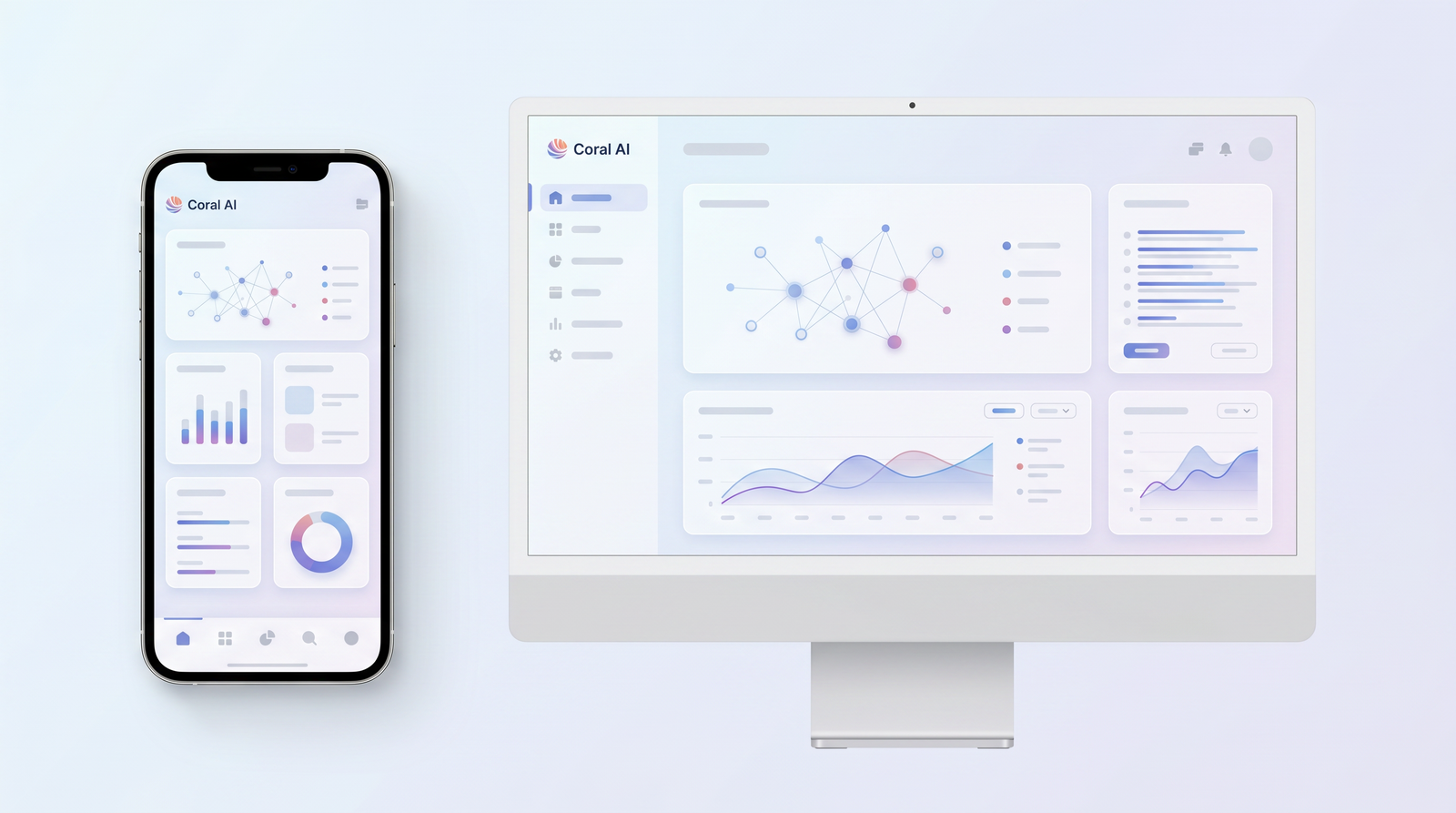
The user interface itself contributes significantly to the positive experience. It’s clean, uncluttered, and intuitive. I found features like the page range selection to be simple and effective, allowing me to easily guide the AI's focus. This thoughtful design minimizes distractions and keeps the user focused on the task at hand: extracting information. While some multi-document scenarios could benefit from clearer source attribution, for single-document interaction, the UI is smooth and responsive.
Overall, Coral AI delivers on its promise of making document analysis more efficient and user-friendly. It’s a tool that feels well-designed for its specific purpose, providing a seamless interaction from upload to query to verifiable answer. The focus on transparency and ease of use truly enhances the practical utility of its AI capabilities.
Is Coral AI the Right Tool for You? (Verdict)
After a thorough look at Coral AI, my verdict is that it's a highly capable tool for specific needs, but like any software, it has its ideal user profile. If your primary goal is to quickly extract precise answers from individual PDF documents and you value the ability to verify those answers with direct page references, then Coral AI is an excellent choice. Its ease of use, support for scanned documents, and transparent sourcing are significant strengths that make it stand out for academic research, contract review, and general professional tasks.
However, it's essential to weigh these strengths against its limitations. The recurring mention of a text limit per account means that if you're a power user dealing with an extremely high volume of documents or require enterprise-level analysis, you'll need to carefully consider the subscription tiers and potential usage caps. Furthermore, while it handles single documents brilliantly, its multi-document analysis could be clearer in attributing sources, which might be a sticking point for complex, cross-document research.
Ultimately, if you're an individual researcher, a student, or a professional who frequently finds yourself manually sifting through PDFs for specific information, and a reported price point around $20 a month fits your budget, Coral AI offers substantial value. It will significantly streamline your workflow, save you time, and provide verifiable insights. But if your needs lean heavily towards extensive, highly integrated multi-document analysis across vast datasets, or if you require a free solution, you might find yourself looking at alternatives. For focused, transparent PDF interrogation, though, Coral AI absolutely delivers.
Full profile and live ranking: https://top10k.com/ai/coral-ai
Published by

Meet Top10k Tools — a free online platform offering over 4,000 handy web tools designed to simplify everyday tasks.
The toolkit covers content optimization, image processing, programming, calculations, and workflow tasks. Everything works directly online, so you can start in seconds.
The long-term vision is reaching 10,000 useful web tools people actually need.
If your work happens online, you'll find utilities that save time. Start using the tools today.
Frequently asked questions
What is Coral AI's primary function?
Coral AI is an AI assistant designed to extract precise answers from uploaded PDF documents. You can ask natural language questions about the content, and it will provide answers, often citing the exact page numbers from the source document.
Does Coral AI offer a free plan?
While the review suggests there might be limited or trial usage, Coral AI primarily operates on a paid subscription model. Users have reported a 'text limit per account,' implying that extensive or regular use will require a paid plan.
How much does Coral AI typically cost?
The reported price point for Coral AI's subscription is around $20 per month. This fee typically grants access to its core features, though specific usage limits may apply based on the plan.
What are the main advantages of using Coral AI?
Key advantages include its ease of use, user-friendly tutorials, support for scanned documents, and the transparency of its answers, which are always accompanied by page numbers for verification. It greatly simplifies information retrieval from PDFs.
Are there any significant limitations to Coral AI?
Yes, users have noted a 'text limit per account' which can restrict heavy usage. Additionally, its multi-document analysis can sometimes lack clarity, making it difficult to pinpoint the exact source document for information drawn from multiple files.
Who is Coral AI best suited for?
Coral AI is ideal for academic researchers, students, and professionals (e.g., in legal or business fields) who need to efficiently review contracts, academic papers, reports, or any PDF document and extract specific, verifiable information.
How does Coral AI compare to tools like ChatGPT or Claude?
While ChatGPT and Claude are powerful general-purpose AI models for summarization and answering questions, Coral AI is specialized for direct PDF interrogation. It offers unique features like page-number-based source citation, which general AI models typically lack, making it more transparent for document analysis.
Is Coral AI difficult to learn and use?
No, Coral AI is praised for its straightforward approach and user-friendly tutorials. The interface is intuitive, allowing users to upload documents and begin querying for information almost immediately without a steep learning curve.